KNX RF motion sensors are among the most powerful—but also most misunderstood—wireless KNX devices. They influence lighting comfort, energy efficiency, HVAC logic, and overall user satisfaction. At the same time, they are one of the largest contributors to RF traffic and battery consumption when designed incorrectly.
This article is a full technical yet readable guide, written to be:
- Clear for consultants (design intent and limitations)
- Practical for integrators (placement, configuration, pitfalls)
- Understandable for advanced end users (what works and why)
The content is experience-driven, neutral, and written to be unique and search-engine friendly, without keyword stuffing.
1. What Are KNX RF Motion & Presence Sensors?
KNX RF motion and presence sensors are wireless KNX input devices that detect human activity and transmit KNX telegrams via radio frequency. They do not control loads directly. Instead, they provide occupancy information to the KNX system, which then executes lighting, HVAC, or logic functions.
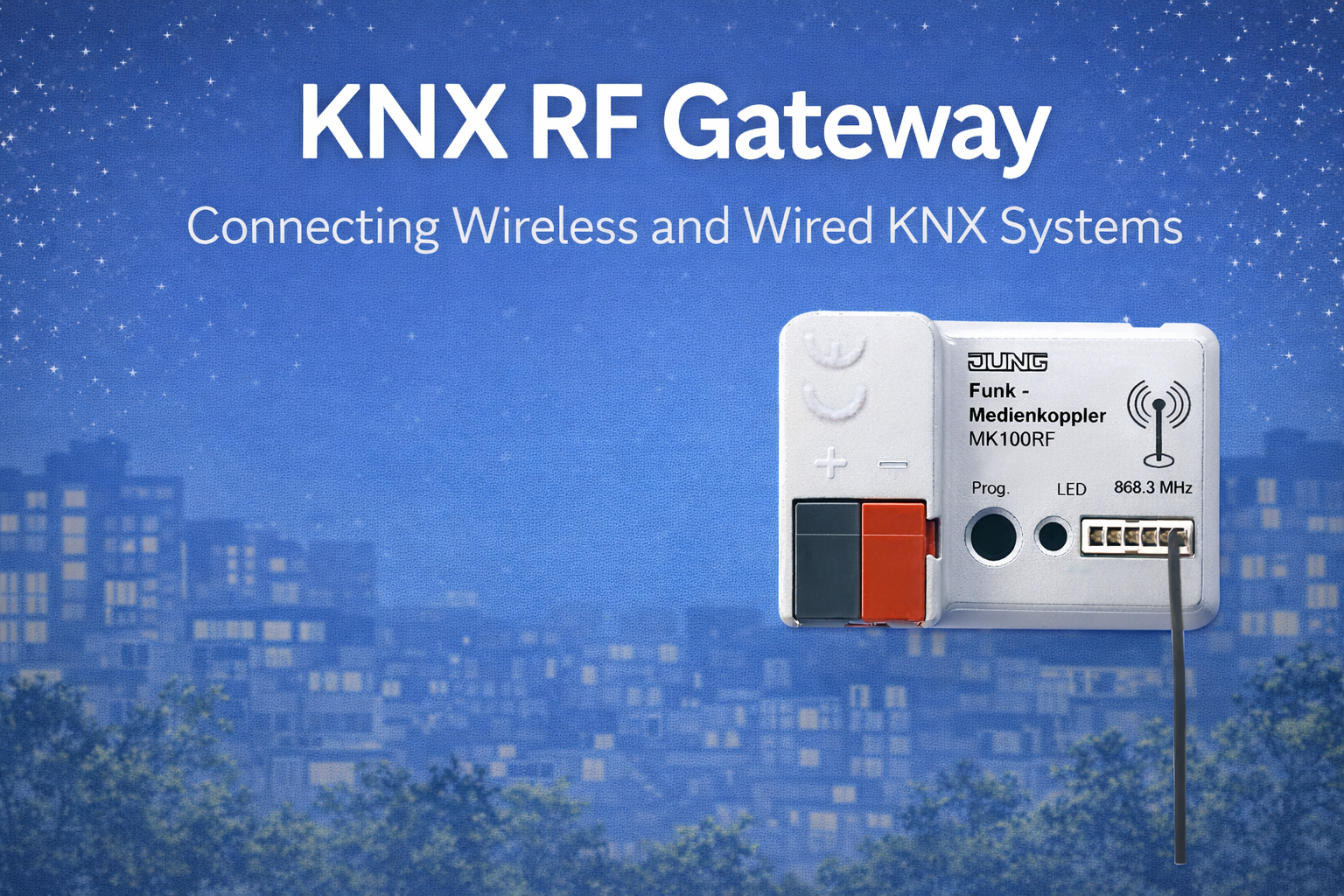
They communicate through an RF gateway and integrate seamlessly into wired KNX TP or KNX IP systems. Their behaviour and interoperability are defined by standards maintained by the KNX Association, ensuring consistent ETS behaviour across manufacturers.
2. Motion Sensor vs Presence Sensor (Critical Difference)
Although often grouped together, motion and presence sensors serve different technical purposes.
KNX RF Motion Sensor
- Detect movement
- Typically use PIR (Passive Infrared)
- Trigger on larger body motion
- Best for corridors, staircases, basic lighting control
KNX RF Presence Sensors
- Detect continued occupancy
- Higher sensitivity
- Detect small movements (typing, breathing)
- Best for offices, meeting rooms, living spaces
Design rule:
If the space is occupied while people remain relatively still, a presence sensor is required. Using a motion sensor here will cause false “absence” events.
3. Detection Technologies Used in KNX RF Sensors
3.1 PIR (Passive Infrared)
Most KNX RF sensors use PIR technology.
How it works
- Detects changes in infrared radiation
- Responds to movement of warm bodies
Advantages
- Very low power consumption
- Ideal for battery-powered devices
- Proven and reliable
Limitations
- Cannot detect stationary occupants
- Sensitive to mounting height and angle
3.2 Multi-Element & Advanced PIR (Presence)
Presence detectors use:
- Multiple PIR elements
- Denser lens patterns
- More frequent signal evaluation
This increases detection accuracy—but also processing and RF activity.
4. Internal Architecture of a KNX RF Sensor
A KNX RF motion sensor typically consists of:
- Detection module (PIR + lens)
- Microcontroller (event processing)
- Control logic (timers, thresholds)
- RF transceiver
- Power source (battery or mains)
Unlike simple switches, these devices:
- Wake frequently
- Evaluate environmental input
- May transmit repeatedly during occupancy
This makes configuration far more important than hardware choice alone.
5. Battery-Powered vs Mains-Powered RF Sensors
Battery-Powered KNX RF Motion Sensor
Advantages
- Ideal for retrofits
- No wiring required
- Flexible placement
Challenges
- Battery life strongly affected by:
- Detection frequency
- Sensitivity settings
- Telegram configuration
Typical battery life
- Well designed: 2–5 years
- Poorly configured: <1 year
Mains-Powered KNX RF Sensors
Advantages
- No battery constraints
- Higher sensitivity possible
- Frequent updates acceptable
Limitations
- Requires power wiring
- Less suitable for retrofit-only projects
Engineering recommendation:
Use battery-powered RF sensors for detection, and mains-powered sensors where continuous presence tracking is required.
6. Communication Behaviour & RF Traffic
This is where most designs fail.
A KNX RF presence sensor can transmit:
- Occupancy detected
- Occupancy cleared
- Light level (if integrated)
- Status feedback
- Periodic “alive” signals (some devices)
Each enabled object increases RF traffic.
Common Mistake
Enabling:
- Cyclic brightness updates
- Continuous presence confirmation
- Multiple feedback objects
This leads to:
- High RF network load
- Faster battery drain
- Gateway congestion
Key engineering rule:
KNX RF sensors must be configured to be event-driven, not chatty.
7. Sensitivity, Time Delay & False Triggers
Sensitivity Settings
- High sensitivity increases detection accuracy
- But increases wake-ups and processing
Time Delay (Off Delay)
- Too short → lights turn off while occupied
- Too long → unnecessary RF activity
False Triggers
Common causes:
- Air movement from HVAC
- Sunlight on sensor lens
- Incorrect mounting height
Balancing comfort and RF efficiency requires careful parameter tuning, not default settings.
8. Placement Rules (Non-Negotiable)
Correct placement affects detection accuracy more than RF quality.
Correct Placement
- Ceiling-mounted (as per manufacturer spec)
- Clear line of sight to occupancy area
- Away from air diffusers
- Away from direct sunlight
Incorrect Placement
- Near windows
- Above heating sources
- Inside metal ceilings
- Obstructed by beams or fixtures
RF reliability cannot fix bad detection geometry.
9. KNX RF Secure & Sensors
KNX RF Secure encrypts communication and protects against replay attacks.
Impact on sensors
- Slightly larger telegrams
- Negligible effect on battery life
- No impact on detection speed
Security should be enabled by default in professional projects. Disabling it does not solve battery or RF problems.
10. Integration with Lighting & HVAC Logic
Lighting Control
- Presence → lights ON
- Absence after delay → lights OFF or dimmed
- Scene recall possible
HVAC Control
- Presence enables comfort mode
- Absence switches to standby
- Avoid frequent temperature logic inside RF sensors
Best practice
Use RF sensors for presence detection, not for high-frequency HVAC control loops.
11. RF Load Considerations in Large Projects
Presence sensors scale differently than switches.
- One switch → few telegrams per day
- One presence sensor → hundreds or thousands
Design implications
- Limit number of RF presence sensors per gateway
- Avoid placing many sensors in one RF zone
- Prefer wired presence sensors in high-density areas
RF sensors should be distributed, not concentrated.
12. Commissioning Best Practices
- Commission RF gateway first
- Configure sensor parameters before linking logic
- Avoid repeated downloads to battery devices
- Test real occupancy scenarios, not just walk-tests
Commissioning habits directly affect battery life and long-term stability.
13. Common Design Mistakes (Seen Repeatedly)
- Treating presence sensors like simple switches
- Enabling every available communication object
- Using battery RF sensors in high-traffic commercial spaces
- Ignoring gateway load when adding sensors
- Relying on defaults instead of tuning
These mistakes create most “RF problems”.
14. When KNX RF Motion / Presence Sensors Are the Right Choice
Good fit
- Residential projects
- Retrofit offices
- Hotel rooms
- Small meeting rooms
- Hybrid KNX systems
Poor fit
- Large open offices with dense occupancy
- Areas requiring millisecond response
- Safety-critical detection
Conclusion
KNX RF motion and presence sensors are extremely capable devices when used for the right purpose and configured correctly. They are not simple on/off triggers—they are intelligent detection systems that influence comfort, energy use, and RF network health.
Reliable results come from:
- Correct sensor type selection
- Thoughtful placement
- Event-based communication
- Conservative RF design
Most problems blamed on “wireless” are actually design and configuration issues.
When engineered properly, KNX RF motion and presence sensors deliver exactly what modern buildings need:
automatic control that feels natural, efficient, and invisible.