Introduction
Modern building automation projects increasingly combine wired and wireless technologies to balance reliability, flexibility, and installation speed. In this hybrid approach, one component plays a critical role: the KNX RF Gateway. It acts as a bridge between wireless KNX devices and the rest of the automation system, allowing them to communicate seamlessly with wired backbones and IP-based infrastructure.
This article explains what a KNX RF Gateway is, how it works, where it is used, how it differs from similar devices, and what to consider during design and commissioning. The focus is on practical understanding rather than marketing language, making it useful for consultants, integrators, and system designers.
What Is a KNX RF Gateway?
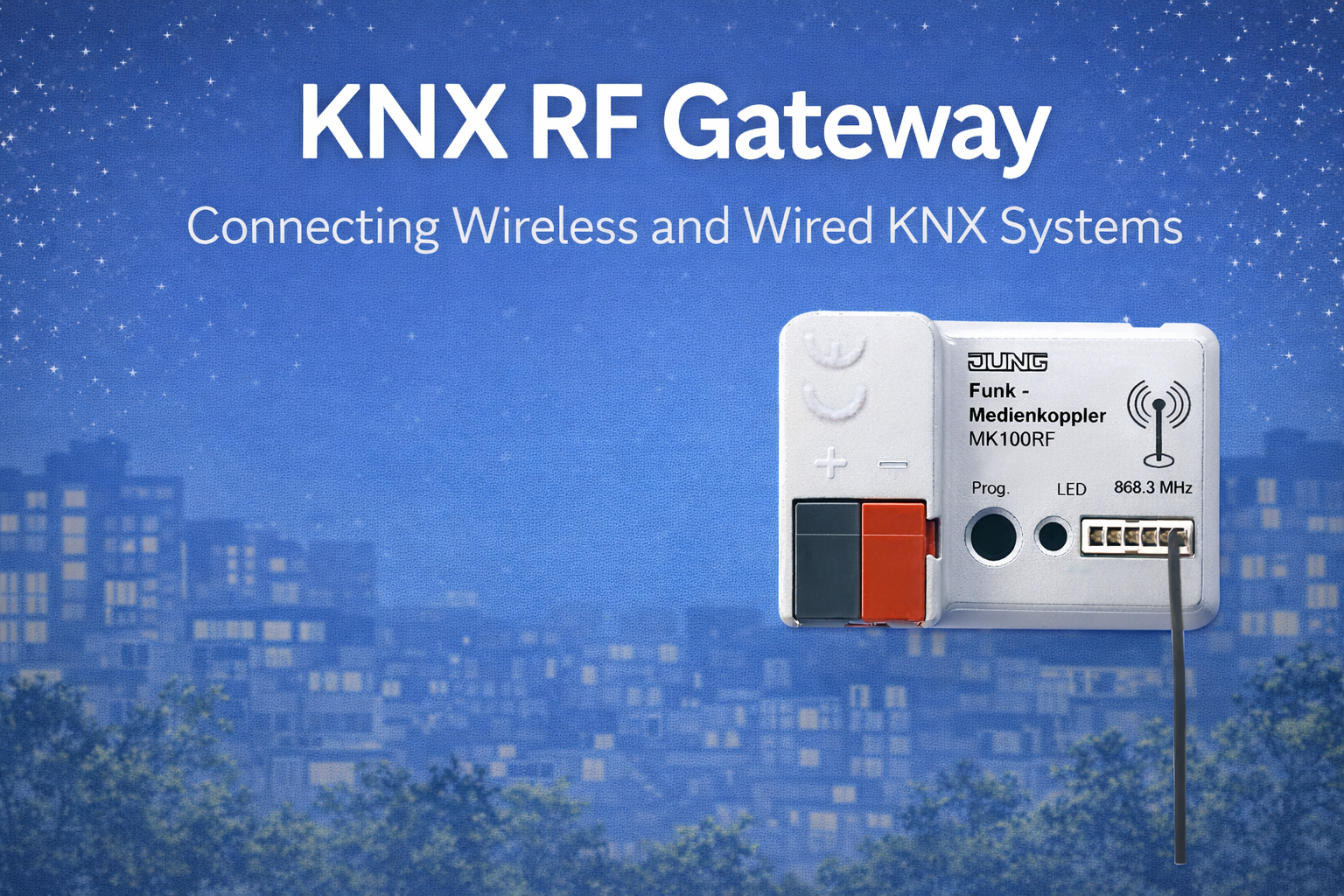
A KNX RF Gateway is a device that connects wireless KNX RF devices to a wired KNX network, typically based on twisted pair or IP. It receives radio telegrams from wireless sensors, switches, or actuators and forwards them into the main KNX system. In the opposite direction, it also transmits relevant commands from the wired network to wireless devices.
In simple terms, it allows wireless and wired KNX devices to behave as one unified system.
Why a KNX RF Gateway Is Needed
Wireless devices are often installed where cabling is difficult or undesirable, such as renovations, heritage buildings, or finished interiors. However, most building automation systems still rely on a wired backbone for stability and scalability. The gateway ensures that both environments work together without limitations.
Common reasons for using a gateway:
- Integrating wireless wall switches into a wired system
- Expanding an existing installation without running new cables
- Adding automation in completed buildings
- Connecting wireless sensors to central logic or visualization
- Creating hybrid automation designs
How a KNX RF Gateway Works
The gateway listens for radio telegrams from nearby wireless devices. When it receives a valid message, it converts it into a standard KNX telegram and forwards it onto the wired or IP network. The process is transparent and does not require special logic programming.
Communication flow:
- Wireless device sends a radio telegram
- Gateway receives and validates the message
- Telegram is translated into standard KNX format
- Message is forwarded to the bus or IP backbone
- Target devices react as programmed
This bidirectional communication ensures full interoperability.
Key Functions of a KNX RF Gateway
- Acts as a bridge between wireless and wired KNX
- Maintains group address consistency
- Supports secure and non-secure communication (model dependent)
- Allows ETS-based configuration
- Enables hybrid system architectures
The gateway does not create automation logic itself but ensures reliable message transfer between media types.
Gateway vs Media Coupler – Understanding the Difference
| Aspect | RF Gateway | RF Media Coupler |
|---|---|---|
| Purpose | Connect RF devices to bus | Connect RF as a line |
| Topology role | Interface-level | Line-level |
| Typical use | Small to medium systems | Larger structured systems |
| Complexity | Lower | Higher |
| ETS structure | Same line | Separate RF line |
In many residential and retrofit projects, gateways are preferred due to simpler design and commissioning.
Typical Applications
Residential Buildings
Gateways are commonly used to connect wireless switches, motion sensors, or thermostats to a wired backbone controlling lighting, HVAC, and shading.
Renovation Projects
They allow automation upgrades without wall cutting or rewiring, preserving interior finishes.
Hotels and Apartments
Wireless room controls can be integrated with central monitoring and logic systems.
Offices
Ideal for adding sensors or controls in spaces without ceiling access or cable routes.
Heritage and Protected Buildings
Gateways enable automation while respecting architectural restrictions.
Supported Device Types
A gateway can communicate with various wireless components, depending on manufacturer support.
Commonly connected devices:
- Wall-mounted push buttons
- Motion and presence detectors
- Temperature sensors
- Window and door contacts
- Wireless actuators
- Handheld remote controls
Once connected, these devices function like standard KNX participants.
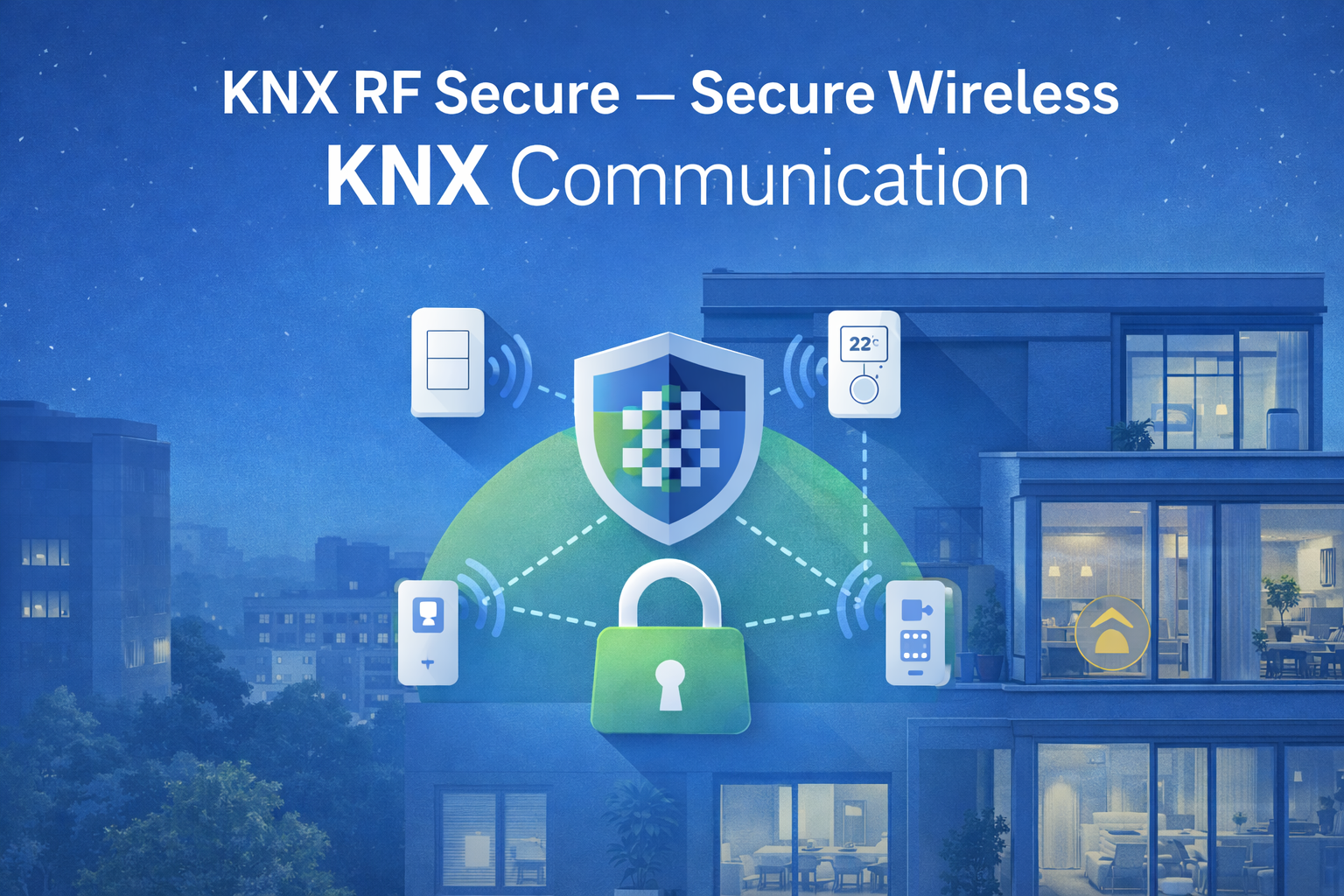
Secure Communication Support
Many modern gateways support secure wireless communication. When enabled, all wireless telegrams are encrypted and authenticated before being forwarded to the bus.
Benefits of secure operation:
- Protection against interception
- Prevention of replay attacks
- Device authentication
- Compliance with modern security standards
Security configuration is handled directly within ETS, ensuring consistent management.
ETS Configuration and Commissioning
Commissioning a KNX RF Gateway is straightforward and familiar to KNX professionals.
Typical setup steps:
- Add the gateway to the ETS project
- Define communication parameters
- Assign group addresses
- Pair wireless devices
- Test communication
- Document configuration
Secure models may require additional key handling during commissioning.
Range and Placement Considerations
The physical placement of the gateway significantly affects system performance. It should be positioned centrally relative to wireless devices and away from metal enclosures or interference sources.
Best practices:
- Avoid electrical panels made of metal
- Maintain clear RF paths
- Mount at appropriate height
- Use repeaters if coverage is insufficient
- Test signal quality before final installation
Good placement reduces communication retries and improves reliability.
System Scalability
Gateways are well suited for small to medium wireless deployments. In larger projects, multiple gateways or structured RF lines may be required to maintain performance and manage device density.
Scalability considerations:
- Number of wireless devices
- Building size and layout
- Wall materials
- RF traffic volume
- Future expansion plans
Early planning avoids performance issues later.
Advantages of Using a KNX RF Gateway
- Enables hybrid automation systems
- Reduces installation time and cost
- Preserves existing building structure
- Simplifies system expansion
- Maintains full KNX interoperability
These benefits make gateways a key component in modern KNX design.
Limitations to Be Aware Of
Despite their flexibility, gateways have practical limits.
- Limited wireless range per device
- RF performance affected by building materials
- Battery-powered devices require maintenance
- Not ideal for very large RF-only networks
- Requires careful planning for best results
Understanding these limitations helps ensure realistic expectations.
Comparison with Alternative Solutions
| Solution | Strengths | Weaknesses |
|---|---|---|
| RF Gateway | Simple, flexible | Range limits |
| Full RF Line | Structured | Higher complexity |
| IP-based IoT | Easy integration | Proprietary |
| Wired-only | Stable | No retrofit flexibility |
Gateways offer the best balance for mixed environments.
Integration with Visualization and Logic Systems
Wireless devices connected through a gateway are fully visible to KNX servers, visualization panels, and logic controllers. This allows advanced automation scenarios such as scenes, schedules, energy optimization, and remote control.
The gateway itself remains transparent and does not restrict integration options.
Maintenance and Long-Term Operation
Once installed, gateways require minimal maintenance. Occasional firmware updates and monitoring of wireless device batteries are usually sufficient.
Maintenance tips:
- Keep ETS project backups
- Document device pairing
- Monitor signal quality periodically
- Replace batteries proactively
- Verify security settings after changes
Choosing the Right KNX RF Gateway
When selecting a gateway, consider:
- Supported device types
- Secure communication capability
- Maximum device count
- ETS compatibility
- Manufacturer support
- Future expandability
Choosing the right model early avoids redesign later.
Future Role of KNX RF Gateways
As hybrid building automation becomes more common, gateways will remain essential components. They support gradual upgrades, flexible expansions, and long system lifecycles without forcing full rewiring or technology replacement.
Conclusion
A KNX RF Gateway is a critical building block for integrating wireless flexibility into structured automation systems. It allows wireless and wired devices to coexist transparently, enabling practical solutions for renovations, expansions, and mixed-use buildings. When selected and installed correctly, it delivers reliable communication, system scalability, and long-term value without compromising KNX interoperability.