Introduction
One of the biggest strengths of KNX is that it is not tied to a single communication medium. Unlike many automation platforms that force you into either wired or wireless, KNX allows system integrators to design projects using twisted pair, radio frequency, and IP networking together—all within the same logical system.
For integrators, this flexibility is powerful, but it also creates confusion during design.
Questions like “Should I use RF or TP here?”, “Is KNX IP reliable for control?”, or “What is the best long-term architecture?” come up on almost every project.
This article provides a clear, practical, integrator-friendly comparison of KNX TP, KNX RF, and KNX IP, focusing on real installation scenarios, design decisions, and long-term reliability, not marketing claims.
1. Why KNX Supports Multiple Communication Media
KNX is maintained by the KNX Association, and from the beginning it was designed as a media-independent standard.
This means:
- The application layer is identical across all media
- Group addresses, datapoint types, and logic behave the same
- Only the physical transmission method changes
From ETS and logic perspective, a light controlled via RF behaves exactly the same as one controlled via TP or IP. This principle allows integrators to select the right medium for each physical situation, without redesigning the system logic.
2. Quick Overview of the Three KNX Media
Before comparing them in detail, it’s important to clearly define what each medium is actually meant for.
KNX TP (Twisted Pair)
The traditional and most widely used KNX medium. Devices communicate over a dedicated two-wire bus that carries both data and bus power.
KNX RF (Radio Frequency)
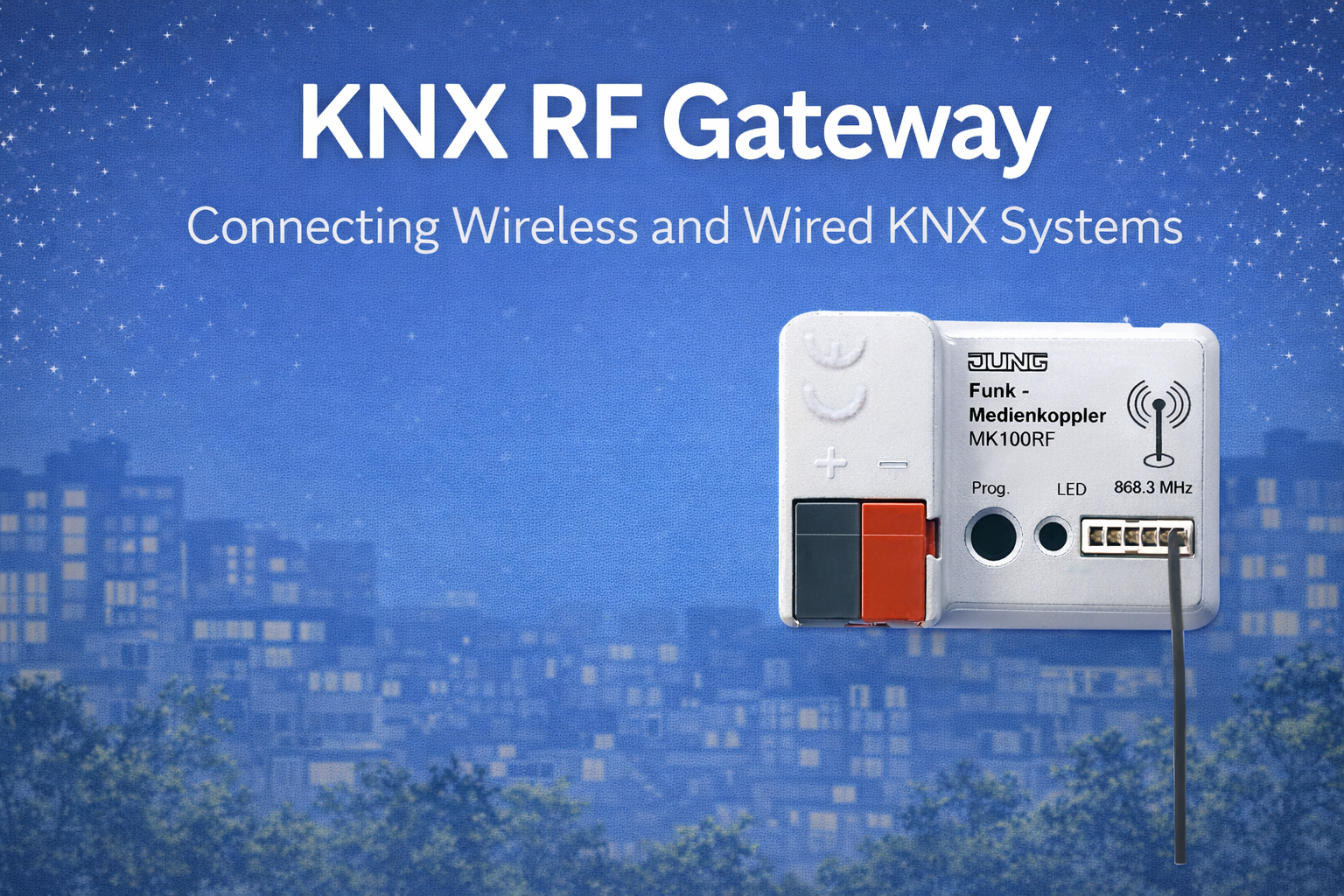
Wireless KNX communication using radio signals. Designed mainly for retrofit, renovation, and flexibility, not to replace wired KNX everywhere.
KNX IP
KNX telegrams transmitted over standard Ethernet networks. Used primarily for backbones, inter-line communication, and integration with servers and visualisation systems.
These are not competing technologies—they are complementary tools.
3. Physical Infrastructure & Installation Reality
Cabling and Civil Work
From an installer’s point of view, the biggest difference is what you need to physically install.
- KNX TP requires dedicated KNX bus cable
- KNX RF requires no communication cabling
- KNX IP uses standard Cat5e/Cat6 Ethernet
In new construction, pulling KNX TP cable is usually straightforward and cost-effective. In renovation projects, however, cable routing can become the most expensive and time-consuming part of the job—this is where KNX RF becomes extremely valuable.
Powering Devices
Power strategy directly affects maintenance and system stability.
- KNX TP devices are bus-powered (with optional auxiliary power)
- KNX RF devices are battery-powered or energy-harvesting
- KNX IP devices require external power or PoE
For integrators, this means:
- TP systems have very low ongoing maintenance
- RF systems must consider battery life and replacement strategy
- IP devices depend on stable power and network design
4. Communication Behaviour & Reliability
Determinism and Predictability
- KNX TP is highly deterministic and extremely stable
- KNX RF is event-based and optimised for low traffic
- KNX IP depends heavily on network quality and topology
For core automation tasks such as lighting, shading, and HVAC control, predictability is more important than speed. This is why KNX TP remains the reference medium for mission-critical control.
Speed and Bandwidth (Common Misunderstanding)
Many integrators assume IP is “better” because it is faster. In reality:
- KNX telegrams are very small
- Automation does not need high bandwidth
- Stability matters far more than raw speed
KNX TP and RF are deliberately slow and controlled—this is a design advantage, not a limitation.
5. Typical Use Cases by Project Type
New Residential Construction
Recommended approach: KNX TP + KNX IP
- TP for all room-level control
- IP for backbone, visualisation, remote access
- Optional RF for wireless scene switches
This approach offers maximum reliability and future expansion.
Renovation & Retrofit Projects
Recommended approach: KNX RF + selective TP + IP
- RF switches and sensors avoid wall breaking
- TP used where wiring is still accessible
- IP connects everything together
This is where KNX RF truly shines and often makes automation possible where it otherwise wouldn’t be.
Commercial Buildings & Offices
Recommended approach: TP + IP, limited RF
- TP for lighting and HVAC zones
- IP for floor-to-floor and building backbone
- RF only where wiring is impractical
Commercial environments usually demand higher predictability and lower maintenance, favouring wired solutions.
6. Device Availability & Practical Limitations
KNX TP Devices
- Widest product range
- High-current switching and dimming
- Advanced logic and application depth
KNX RF Devices
- Strong focus on switches and sensors
- Limited power handling
- Optimised for low energy consumption
KNX IP Devices
- Routers, interfaces, servers
- Rarely used directly for field-level IO
Integrator takeaway:
Do not try to build a fully RF-only system for heavy actuation. RF is best used where wiring is the problem—not where power is required.
7. Security Considerations (Now Mandatory)
Wireless and IP communication introduce security concerns that cannot be ignored.
- KNX TP relies mostly on physical security
- KNX RF Secure adds encryption and authentication
- KNX IP Secure protects traffic over Ethernet
Modern best practice is simple:
Always design new systems with KNX Secure enabled, regardless of medium.
Security is no longer an “enterprise feature”—it is part of professional system design.
8. ETS Commissioning Perspective
From ETS, all three media look familiar:
- Same group addresses
- Same datapoint types
- Same application logic
However:
- RF Secure requires key management
- IP requires network planning
- TP requires correct power budgeting
For integrators, the learning curve is not about ETS—it’s about understanding physical behaviour of each medium.
9. Scalability & Future Expansion
KNX TP
- Scales via lines and areas
- Very predictable limits
KNX RF
- Limited per gateway
- Must be planned carefully
KNX IP
- Excellent for large systems
- Ideal for campuses and multi-building projects
Best long-term strategy:
Use IP as the backbone, TP as the control layer, and RF as a flexible extension.
10. Cost: Installation vs Lifetime Reality
Initial Installation Cost
- TP: Higher labour and cabling
- RF: Faster installation, lower civil cost
- IP: Depends on existing IT infrastructure
Long-Term Cost
- TP: Lowest maintenance
- RF: Battery replacement (if applicable)
- IP: Network monitoring and coordination
Professional integrators evaluate cost over 10–20 years, not just project handover.
11. Hybrid KNX Design – The Professional Approach
The most reliable KNX systems today are hybrid by design.
A common, proven structure:
- KNX TP for room automation
- KNX RF for switches and special zones
- KNX IP for backbone and integration
Hybrid design is not a compromise—it is best practice.
12. Common Design Mistakes (Seen on Site)
- Using RF actuators for heavy loads
- Ignoring RF signal conditions
- Treating KNX IP as a replacement for TP
- Mixing secure and non-secure devices without planning
- Overloading a single RF gateway
Avoiding these mistakes saves commissioning time and service calls.
13. How to Choose the Right Medium (Quick Guide)
- New villa: TP + IP
- Apartment renovation: RF + IP
- Office building: TP + IP
- Heritage property: RF-dominant hybrid
Good KNX design is about using the right tool in the right place.
Conclusion
KNX TP, KNX RF, and KNX IP are not alternatives—they are building blocks of a professional automation system. Each medium has strengths, limitations, and ideal use cases. When combined correctly, they deliver systems that are reliable, flexible, secure, and future-ready.
For integrators, mastering this balance is what separates basic installations from well-engineered KNX projects.