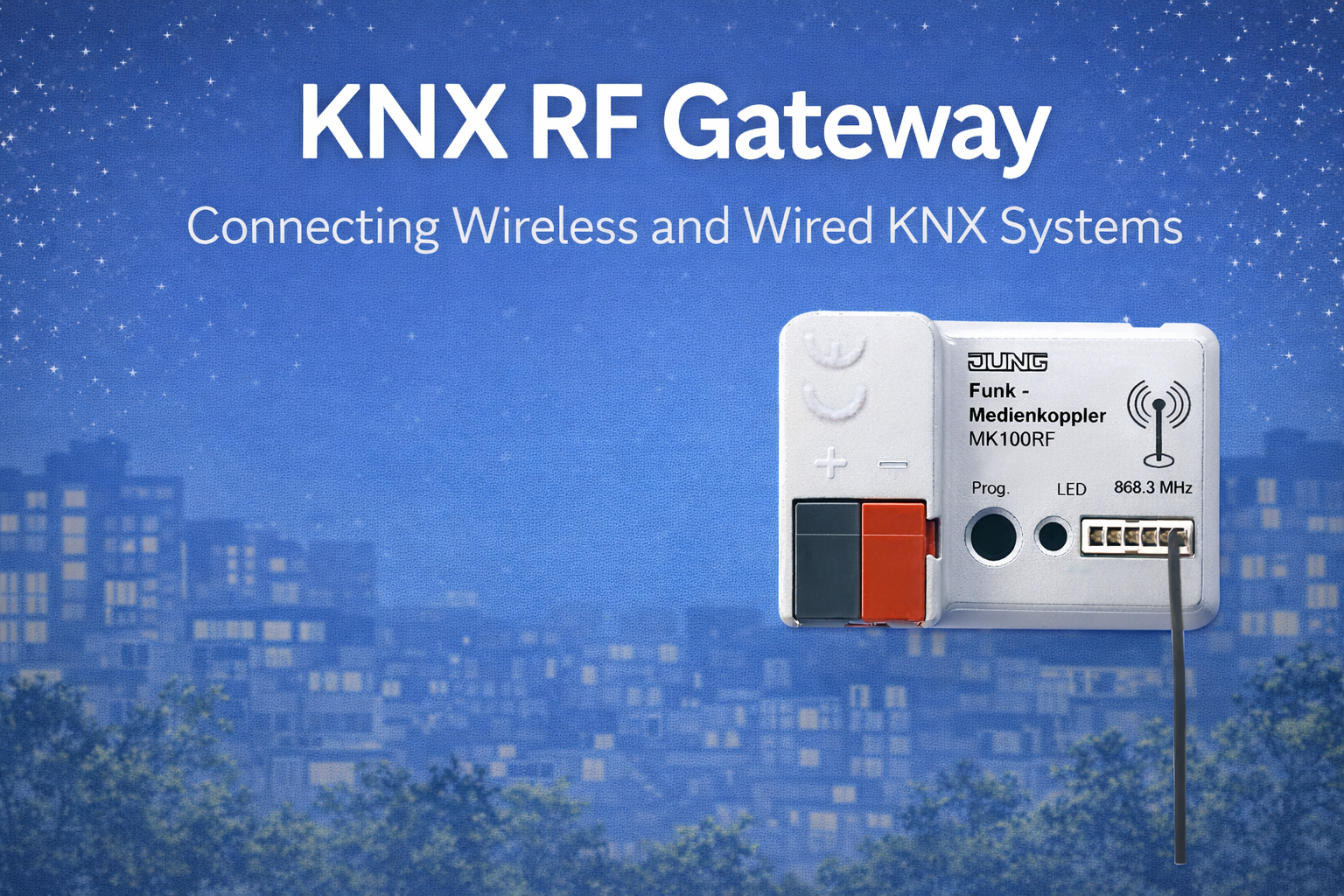
KNX RF switches are often the first entry point into wireless KNX. They look simple on the surface—just a wall switch without wires—but their reliability, battery life, and user experience depend heavily on correct selection, placement, and configuration.
This article is a complete, device-focused guide to KNX RF switches. It is written to be:
- Comfortable for end users (what it does, what to expect)
- Useful for consultants (where it fits, where it doesn’t)
- Technically solid for integrators (design rules and pitfalls)
The goal is clarity, not marketing—and no keyword stuffing.
1. What Is a KNX RF Switch?
A KNX RF switch is a wireless input device that sends KNX telegrams using radio frequency instead of a wired bus. It does not switch power directly. Instead, it communicates user actions (on/off, dim, scene selection) to the KNX system, where logic or actuators perform the actual control.
Key characteristics:
- Wireless communication (no KNX bus cable)
- Very low power operation
- Event-driven (transmits only when used)
- Fully integrated into standard KNX logic
Because they are inputs, KNX RF switches are among the most reliable and long-lasting RF devices when designed correctly.
2. Why KNX RF Switches Exist
KNX RF switches were introduced to solve problems that wired switches struggle with:
- Renovation projects where wall cutting is not allowed
- Glass, marble, stone, or designer walls
- Late-stage changes to switch locations
- Temporary or flexible user interfaces
They are not a replacement for all wired switches. They are a precision tool for specific scenarios.
The behavior and interoperability of KNX RF devices are defined under standards maintained by the KNX Association, which ensures that RF switches from different manufacturers behave consistently in ETS.
3. How a KNX RF Switch Actually Works
When a user presses a KNX RF switch:
- The switch wakes from deep sleep
- A KNX telegram is generated
- The telegram is transmitted wirelessly
- A KNX RF gateway receives it
- The gateway forwards it to KNX TP or IP
- The target actuator or logic reacts
This entire process typically takes milliseconds and feels instant when RF coverage is designed properly.
Important to understand:
- The switch does not need continuous power
- It does not “stay connected”
- It only communicates when something happens
This event-driven behavior is why RF switches can last for many years.
4. Types of KNX RF Switches
4.1 Energy-Harvesting KNX RF Switches (Battery-Free)
These switches generate energy mechanically from the button press itself.
How they work
- A small generator produces enough energy to send one telegram
- No battery, no charging, no maintenance
Advantages
- Unlimited lifetime
- Zero battery replacement
- Ideal for high-usage areas
Limitations
- Only suitable for user input
- No background communication
- No status indication LEDs (in most designs)
Best suited for
- Lighting control
- Scene selection
- Retrofits and premium interiors
4.2 Battery-Powered KNX RF Switches
These switches use coin-cell or lithium batteries.
Why batteries are used
- Support for LEDs or displays
- Multi-function buttons
- More complex user interaction
Advantages
- More design options
- Feedback LEDs possible
- Flexible button behavior
Limitations
- Battery replacement required (typically after years)
- Incorrect configuration can reduce battery life
Best suited for
- Scene controllers
- Multi-button keypads
- Where visual feedback is important
5. Button Types & User Interaction
KNX RF switches are available in multiple formats:
- Single rocker (on/off)
- Double rocker (up/down or dimming)
- Multi-button keypads
- Scene selectors
- Touch or capacitive designs
From a KNX perspective:
- Each button maps to group objects
- Short press, long press, and toggle can be configured
- Behavior is identical to wired KNX switches
User experience depends more on logic design than on RF itself.
6. Where KNX RF Switches Work Best
Ideal Use Cases
- Apartment and villa renovations
- Glass partitions and stone walls
- Bedrooms and living areas
- Scene control near beds or sofas
- Additional switches added after handover
In these cases, RF switches often perform better overall than attempting to retrofit wiring.
7. Where KNX RF Switches Should Be Avoided
RF switches are not the right choice everywhere.
Avoid or reconsider when:
- The switch is mounted inside a metal back box
- The wall is a reinforced concrete core wall
- RF gateway placement is poor or undefined
- The project has no maintenance strategy (for battery units)
These are not RF limitations—they are design mistakes.
8. Placement Rules That Matter
Correct placement is more important than brand or model.
Best practices
- Mount on non-metallic surfaces
- Keep distance from large metal objects
- Avoid installation inside distribution boards
- Place within reasonable distance of the RF gateway
Common mistake
“It worked during testing, so placement is fine.”
Always test from the final installed position, not while holding the device.
9. RF Switches and KNX Secure
Modern KNX RF switches support KNX RF Secure, which adds encryption and authentication.
From a user perspective:
- No visible difference
- Same response time
- Same usability
From a system perspective:
- Prevents unauthorized control
- Protects against replay attacks
- Strongly recommended for new projects
Security has no meaningful negative impact on switch battery life when systems are designed correctly.
10. Battery Life: What Is Realistic?
For battery-powered RF switches:
- Typical lifetime: 5–10 years
- Depends on:
- Number of button presses
- Use of LEDs
- RF coverage quality
- Commissioning discipline
Energy-harvesting switches, by contrast, have no battery life limit.
Poor RF design (causing retries) is a more common battery killer than user behavior.
11. Commissioning KNX RF Switches in ETS
From ETS:
- RF switches are added like any other KNX device
- Group addresses are assigned normally
- Secure keys are handled during commissioning (if used)
Key commissioning tips:
- Commission the RF gateway first
- Avoid repeated downloads to battery devices
- Finalize logic before mass programming
Efficient commissioning preserves battery life and avoids frustration.
12. Common Myths About KNX RF Switches
“Wireless switches are unreliable”
→ Poor planning is unreliable. Correctly designed RF switches are extremely stable.
“Batteries will die quickly”
→ Only if configuration or RF coverage is poor.
“They are only for small projects”
→ RF switches scale well when gateways are planned properly.
13. Design Checklist (Quick Reference)
Before finalizing RF switches:
- Is the wall material RF-friendly?
- Is gateway placement defined?
- Is Secure enabled?
- Is battery or harvesting chosen correctly?
- Is feedback really needed?
A few minutes of review saves years of issues.
Conclusion
KNX RF switches are one of the strongest and most mature uses of wireless KNX. When selected and placed correctly, they offer flexibility, reliability, and excellent user experience—often outperforming wired alternatives in renovation scenarios.
They are not a shortcut.
They are a design choice.
Used intentionally, KNX RF switches deliver exactly what building automation should:
control that feels simple, natural, and dependable.