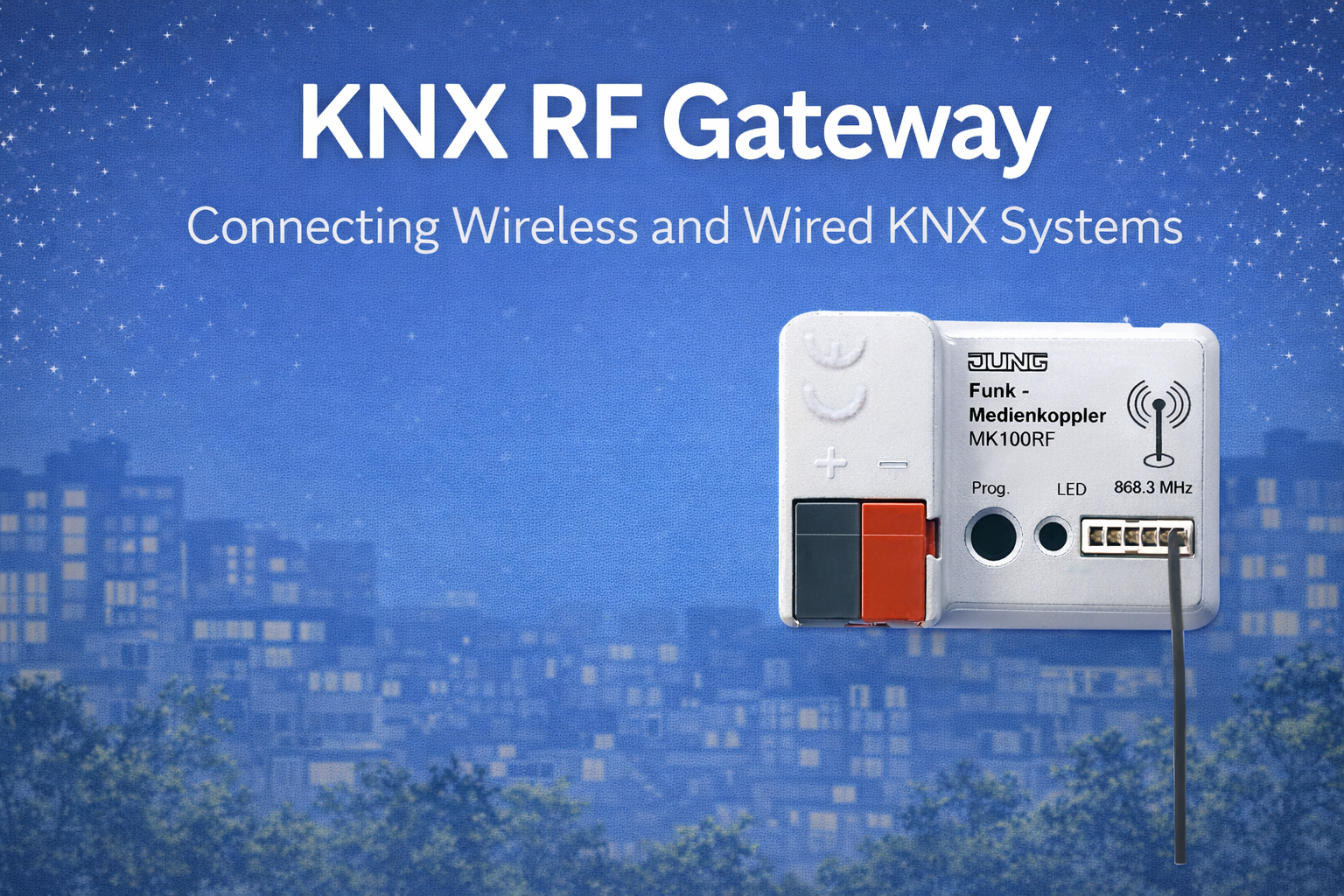
KNX RF repeaters are one of the most misunderstood components in wireless KNX systems. They are often added as a quick fix when RF communication becomes unreliable—but in many projects, they mask the real problem instead of solving it.
This article is a full technical yet readable guide for consultants, system designers, and integrators. It explains what KNX RF repeaters actually do, how they behave inside the RF network, where they make sense, and where they should be avoided. The goal is not to promote repeaters, but to help you use them correctly—or confidently decide not to use them at all.
1. What Is a KNX RF Repeater?
A KNX RF repeater is a wireless device that listens for KNX RF telegrams and retransmits them, extending the effective RF coverage area.
In simple terms:
- It does not create intelligence
- It does not route traffic
- It does not manage load
- It only repeats what it hears
Repeaters operate fully within the KNX RF standard defined by the KNX Association, but their correct use depends entirely on system design—not on compliance alone.
2. Why Repeaters Exist in KNX RF
Repeaters were introduced to solve very specific RF problems, mainly:
- Long horizontal distances in large apartments or villas
- RF shadow zones caused by thick walls or structural elements
- Retrofit projects where gateway relocation is impossible
They were not designed to:
- Increase gateway capacity
- Reduce RF traffic
- Fix poor device placement
- Compensate for bad system architecture
Understanding this distinction is critical.
3. How a KNX RF Repeater Works (Technical Behaviour)
A repeater operates in a simple cycle:
- Listens continuously for RF telegrams
- Detects a valid KNX RF frame
- Waits a defined timing offset
- Retransmits the same telegram
Important technical characteristics:
- No modification of telegram content
- No awareness of group logic
- No decision-making capability
From the system’s perspective, the repeater is transparent—but not invisible.
4. RF Repeaters vs RF Gateways (Critical Difference)
This confusion causes most design errors.
KNX RF Gateway
- Bridges RF to KNX TP or IP
- Manages Secure communication
- Handles acknowledgements and retries
- Acts as a system entry point
KNX RF Repeater
- Only repeats RF signals
- Cannot connect to TP or IP
- Cannot reduce network load
- Cannot replace a gateway
Key rule:
A repeater extends reach.
A gateway defines capacity and structure.
If the problem is capacity or load, a repeater will not help.
5. Impact of Repeaters on RF Traffic
Every repeater duplicates traffic.
One telegram becomes:
- 1 original transmission
- +1 repeated transmission
With multiple repeaters:
- Traffic multiplies quickly
- Airtime is consumed faster
- Collision probability increases
This is why repeaters can reduce performance in already busy RF networks.
6. Repeaters and KNX RF Secure
KNX RF Secure telegrams are encrypted and authenticated.
What Repeaters Do with Secure Traffic
- Repeat the encrypted payload as-is
- Do not decrypt or re-encrypt
- Do not affect security integrity
What This Means
- Security is preserved
- Processing overhead still exists
- Repeated secure telegrams still consume airtime
Repeaters are security-neutral, but load-positive.
7. When KNX RF Repeaters Actually Make Sense
Repeaters are justified in narrow, well-defined scenarios.
Valid Use Cases
1. Long Horizontal Layouts
- Large single-floor apartments
- Villas with long corridors
- RF gateway placed centrally but distance is excessive
2. Structural RF Shadow Zones
- Thick concrete shear walls
- Structural cores that block RF
- Areas unreachable by relocation
3. Retrofit Constraints
- Gateway cannot be moved
- Additional gateways are not possible
- Limited RF extension needed
In these cases, a single, carefully placed repeater can solve a real problem.
8. When Repeaters Make Things Worse
Repeaters should be avoided in these situations.
Poor Use Cases
- Multi-floor coverage problems
- High RF device density
- Many battery-powered sensors
- Systems already close to RF load limits
Why
- Repeaters increase traffic
- Do not reduce retries
- Increase battery drain
- Complicate troubleshooting
In these cases, adding another gateway is almost always the better solution.
9. Placement Rules for KNX RF Repeaters
Placement determines success or failure.
Correct Placement
- Midpoint between gateway and weak area
- Clear RF line of sight in both directions
- Away from metal enclosures
- Mounted openly, not hidden
Incorrect Placement
- Near the gateway (no benefit)
- Inside distribution boards
- At the very edge of coverage
- Behind metal or reinforced concrete
A repeater must hear the gateway clearly and be heard by target devices clearly. If either side is weak, the repeater fails.
10. One Repeater or Many? (Design Limit)
KNX RF systems are not designed for repeater chains.
Practical Rules
- Use maximum one repeater per RF path
- Avoid cascading repeaters
- Never design mesh-like repeater networks
Each additional repeater:
- Doubles traffic again
- Increases collision risk
- Makes diagnostics harder
Repeaters are a scalpel, not a net.
11. Repeaters vs Better RF Design
Before adding a repeater, always ask:
- Can the gateway be relocated?
- Can another gateway be added?
- Can device placement be improved?
- Can metal obstructions be avoided?
In professional KNX RF design, repeaters are the last option, not the first.
12. Commissioning & ETS Considerations
From ETS perspective:
- Repeaters are usually transparent
- No special group addressing required
- Behaviour must be validated by testing
Best practice
- Test RF communication with and without repeater
- Observe group monitor for delays
- Check battery devices for increased activity
ETS will not warn you about RF overload—experience must.
13. Battery Life Impact (Often Ignored)
Repeaters affect battery devices indirectly:
- More RF traffic
- Higher collision probability
- Increased retries
This leads to:
- Faster battery drain
- Reduced device lifetime
- Hard-to-explain failures months later
Many “battery problems” are actually repeater side effects.
14. Common Design Mistakes (Seen on Real Projects)
- Adding repeaters without measuring RF coverage
- Using repeaters instead of additional gateways
- Cascading repeaters across floors
- Hiding repeaters for aesthetics
- Assuming repeaters increase capacity
These mistakes create fragile systems.
15. Decision Framework (Use This)
Use a KNX RF repeater only if all answers below are YES:
- The problem is purely range, not load
- Only a small area is affected
- Gateway relocation is impossible
- Only one repeater is needed
- RF traffic is otherwise low
If any answer is NO, redesign the RF architecture.
Conclusion
KNX RF repeaters are neither bad nor magical. They are special-purpose tools designed to solve very specific RF coverage problems. When used carefully and sparingly, they can extend a reliable system. When used casually, they often create instability, battery issues, and long-term maintenance problems.
Professional KNX RF design does not start with repeaters.
It starts with good gateway placement, sensible zoning, and controlled RF traffic.
Repeaters should remain what they were intended to be:
the exception—not the foundation—of a KNX RF system.