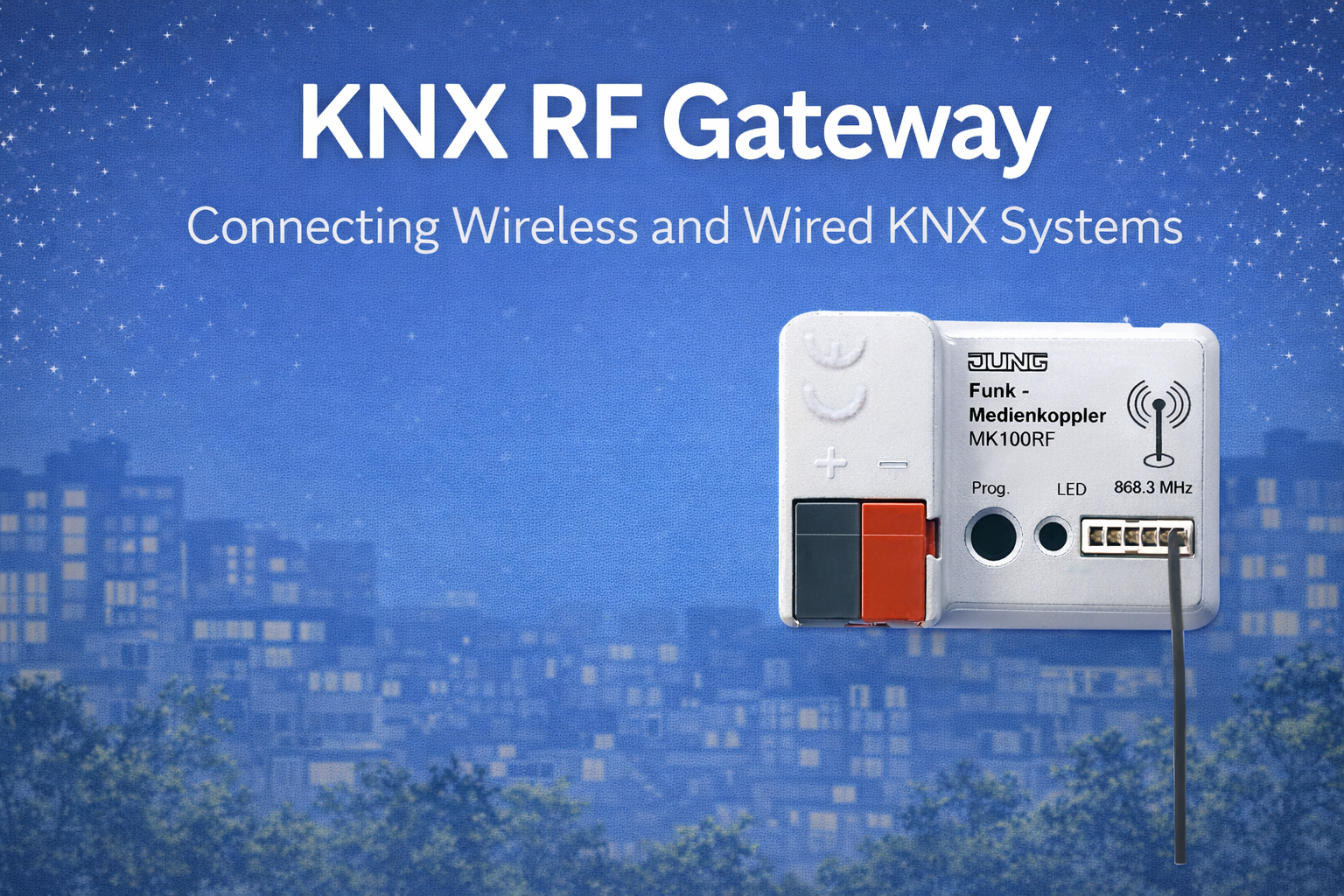
Wireless automation is often expected to work like magic — place a device anywhere and it simply works. In real buildings, however, reliability comes from planning, not promises.
KNX RF is a professional wireless technology designed for homes and buildings, but like all wireless systems, it performs best when its range and coverage are considered early. This article explains, in simple terms, how KNX RF behaves in real spaces and what consultants and end users should reasonably expect.
1. There Is No “Fixed Wireless Distance” (And That’s Normal)
One of the first questions clients ask is:
“How far will this wireless system work?”
The honest answer is:
wireless range depends on the building itself.
Things that affect range include:
- Wall thickness
- Concrete or stone construction
- Metal surfaces and cabinets
- Floor slabs between levels
Because every building is different, good KNX RF systems are not designed around maximum distance, but around comfortable coverage.
2. Why KNX RF Is Different from Common Wi-Fi Devices
KNX RF uses a wireless frequency chosen specifically for buildings, defined by the KNX Association.
This means:
- Signals pass through walls better than typical Wi-Fi
- The system avoids overcrowded consumer wireless bands
- Communication is short, reliable, and energy-efficient
KNX RF is not designed for data streaming or speed.
It is designed for certainty — when a button is pressed, the action happens.
3. What You Can Realistically Expect in Homes and Buildings
In everyday conditions:
- Devices in the same room work very reliably
- Devices in nearby rooms usually work without issue
- Multiple thick walls reduce signal strength
- Communication across floors should not be assumed
This is not a weakness — it is how wireless behaves in real structures.
Reliable systems are designed so that no device depends on extreme range.
4. How Building Materials Influence Wireless Performance
Some materials are friendly to wireless signals, while others reduce them significantly.
Materials That Allow Good Signal Flow
- Gypsum or drywall partitions
- Wood interiors
- Standard furniture
Materials That Reduce Wireless Signals
- Reinforced concrete
- Marble or stone walls
- Metal switch boxes or cabinets
- Decorative mirrors with metallic backing
This is why wireless planning is about location, not just product choice.
5. The Role of the Gateway (Explained Simply)
KNX RF devices communicate through a central component called a gateway.
You can think of it as:
The listening and coordination point for wireless devices
If the gateway is placed thoughtfully:
- Devices respond quickly
- Communication feels instant
- The system behaves like wired automation
If placed poorly:
- Some devices may respond inconsistently
- Issues feel random and confusing
Placing gateways openly and centrally is more important than hiding them.
6. Single Floor vs Multiple Floors (An Important Reality)
Wireless signals travel much more easily across a floor than between floors.
In practical terms:
- One gateway per floor often gives better results
- Basements usually need separate coverage
- Concrete slabs reduce vertical wireless strength
Consultants often plan wireless coverage per level, not per building.
7. Why Planning Before Installation Matters
Waiting until installation to “check if it works” often leads to:
- Last-minute changes
- Additional equipment
- Compromises in design
Better outcomes come when coverage is considered during design:
- Where are thick walls?
- Where can gateways be placed openly?
- How many floors are involved?
This approach:
- Improves reliability for users
- Reduces surprises during installation
- Creates predictable results
8. Coverage vs System Usage (A Simple Difference)
Two ideas are often confused:
- Coverage: Can devices reach the system reliably?
- Usage: How often devices communicate
A well-designed system balances both.
Wireless works best when communication is efficient, not excessive.
9. A Simple Explanation for Clients
Here is a clear way to explain KNX RF planning:
Wireless automation works best when it is designed around the building.
Good planning makes wireless feel just as reliable as wired control.
This sets the right expectation from the beginning.
10. Common Misunderstandings (Cleared Gently)
- Wireless is not “plug and forget”
- Hiding devices can reduce performance
- Planning wireless does not mean complexity — it means reliability
Most wireless issues are not technology failures.
They are planning oversights.
Conclusion
KNX RF offers reliable and flexible wireless automation when it is used thoughtfully. Its range and coverage are well suited for real homes and buildings, provided the system is designed around how those buildings are constructed.