Interference and environmental factors are among the most misdiagnosed causes of KNX RF instability. When devices appear to work “sometimes”, go offline randomly, or drain batteries faster than expected, the immediate assumption is often weak signal. In reality, many of these issues stem from environmental RF conditions that are invisible unless you know what to look for.
This article is a deep, practical troubleshooting guide for consultants, system designers, and integrators. It explains where interference really comes from, how buildings affect RF behaviour, and how to separate coverage problems from environmental noise—without guesswork or keyword stuffing.
All behaviour described aligns with KNX RF standards maintained by the KNX Association, but successful troubleshooting depends on engineering judgment, not standards alone.
1. What “Interference” Really Means in KNX RF
Interference is not just “another wireless system nearby”. In KNX RF projects, interference usually appears in one of three forms:
- Co-channel noise – other devices transmitting in the same frequency band
- Environmental attenuation – materials that absorb or distort RF signals
- Dynamic conditions – changes in the environment over time
Understanding which one you are dealing with is the key to fixing the problem correctly.
2. Frequency Reality: Why KNX RF Is Usually Not the Problem
KNX RF operates in a sub-GHz ISM band, which has important characteristics:
- Better penetration through walls than Wi-Fi
- Longer range at lower power
- Fewer consumer devices than 2.4 GHz
Because of this, true RF congestion is relatively rare. When problems occur, they are often caused by local environmental factors, not general spectrum noise.
3. Common Sources of RF Interference (Seen on Site)
3.1 Electrical Equipment & Power Electronics
Some of the worst RF environments are created by:
- Variable frequency drives (VFDs)
- Cheap LED drivers
- UPS systems
- Inverters and SMPS power supplies
These devices can emit broadband noise that:
- Raises the RF noise floor
- Causes packet loss
- Forces RF devices to retry transmissions
Symptom pattern
- Problems appear when equipment is ON
- RF works fine during testing, fails later
3.2 Metal Structures & Hidden Shielding
Metal does not just block RF—it can distort and reflect it.
Problematic elements include:
- Metal stud walls
- Aluminium window frames
- Steel doors
- Lift shafts
- Metal ceilings and cable trays
Important:
A device can be close to the gateway and still have poor RF quality if metal is involved.
3.3 Glass Isn’t Always RF-Friendly
Modern architectural glass often includes:
- Metallic coatings
- Low-E layers
- Laminated films
These can significantly reduce RF transmission—even though the surface looks transparent.
4. Dynamic Environmental Interference (The Hidden Trap)
Some RF problems do not exist during commissioning.
Common dynamic changes:
- Furniture added later
- Appliances installed after handover
- Server racks powered up
- Decorative metal elements introduced
- Occupancy patterns changing RF absorption
This explains why:
“It worked perfectly during handover, but started failing weeks later.”
5. Distinguishing Interference from Coverage Problems
Before applying fixes, determine the real cause.
| Symptom | Likely Cause |
|---|---|
| Device works when moved temporarily | Attenuation / placement |
| Problems appear at specific times | Electrical interference |
| Multiple devices fail together | Environmental or load issue |
| One device unstable, others fine | Local installation issue |
Correct diagnosis avoids unnecessary repeaters or reconfiguration.
6. Practical On-Site Diagnosis Techniques (No Special Tools)
6.1 Time-Based Testing
- Observe behaviour at different times of day
- Check if issues align with equipment usage
6.2 Proximity Testing
- Temporarily move device closer to gateway
- If it stabilizes → environment or attenuation issue
6.3 Power Isolation Testing
- Switch off nearby electrical equipment briefly
- Observe RF stability changes
These simple tests often reveal more than software diagnostics.
7. ETS Indicators That Point to Environmental Issues
ETS will not say “interference detected”, but it shows symptoms:
- Delayed telegrams
- Missing acknowledgements
- Bursty traffic
- Increased retries
If ETS traffic becomes unstable without configuration changes, suspect the environment.
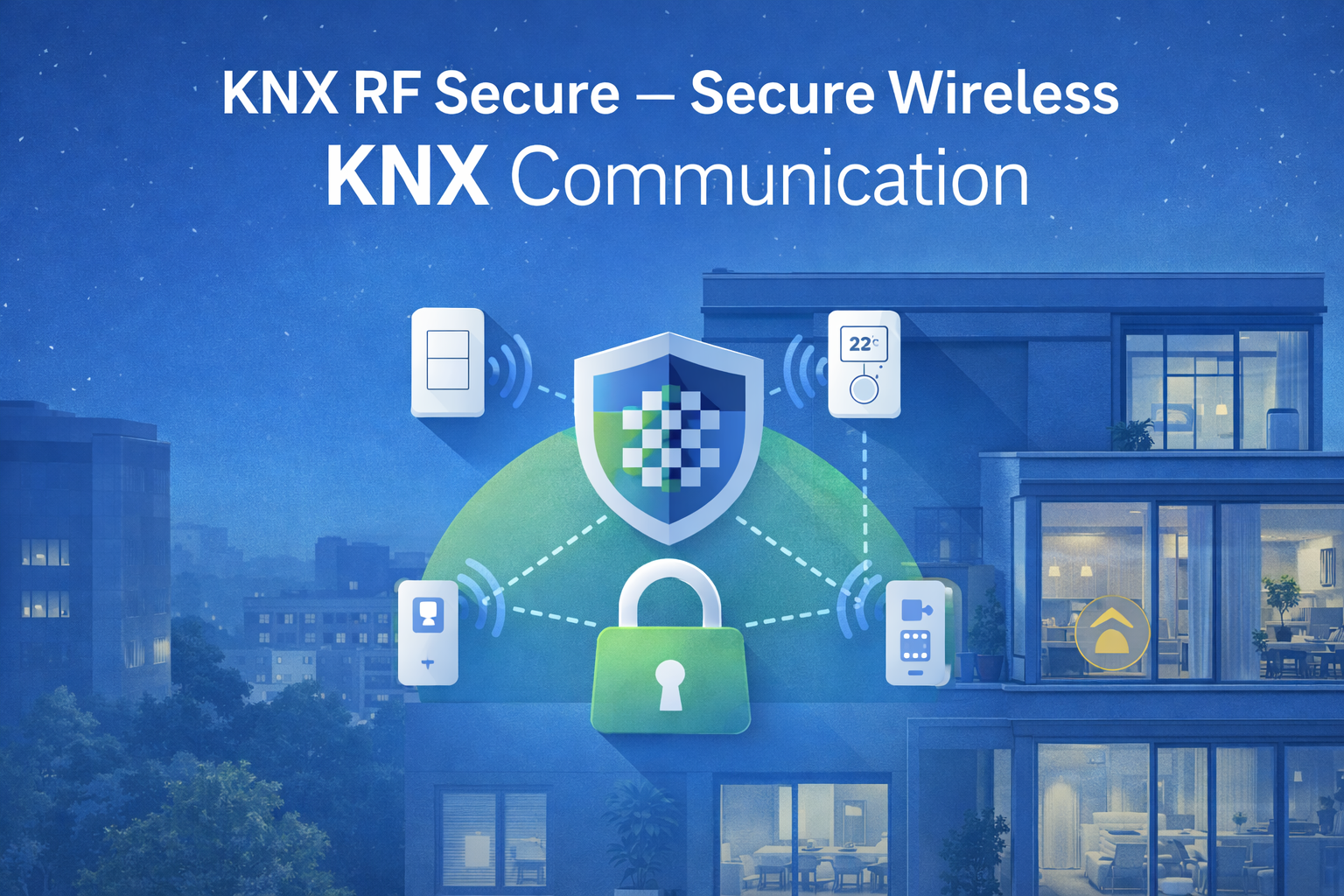
8. KNX RF Secure & Interference (Clarifying a Myth)
KNX RF Secure:
- Encrypts data
- Authenticates telegrams
- Protects against replay attacks
It does not:
- Increase susceptibility to interference
- Reduce RF range in any meaningful way
If interference appears after enabling Secure, the real cause is almost always RF load or placement, not encryption.
9. Fixing Environmental RF Problems (Correct Order)
Step 1 – Improve Placement
- Move gateway away from electrical noise
- Avoid metal cabinets
- Increase physical separation from power electronics
Step 2 – Reduce RF Stress
- Disable unnecessary cyclic updates
- Reduce feedback objects
- Simplify group addressing
Step 3 – Re-zone RF Coverage
- Add another gateway if needed
- Divide devices logically
- Avoid relying on repeaters as a first fix
Step 4 – Use Repeaters Only If Justified
- Pure distance issue
- One small shadow zone
- Low overall RF traffic
10. What Not to Do When Interference Is Suspected
- Do not randomly change ETS parameters
- Do not add repeaters blindly
- Do not disable KNX Secure
- Do not assume “wireless is unreliable”
These actions often make the system harder to stabilize later.
11. Environmental Checklist for New Projects
Before final handover, check:
- Gateway not near noisy equipment
- RF devices not mounted on metal
- Aluminium frames tested properly
- HVAC and lighting drivers powered during testing
- Furniture layout considered
Environmental testing should be part of commissioning—not an afterthought.
12. Long-Term Stability Strategy
KNX RF systems remain stable when:
- RF headroom is preserved
- Environmental changes are anticipated
- Load is kept well below limits
- Hybrid design is used intelligently
Environmental interference is not unpredictable—it is often ignored.
Conclusion
Most KNX RF “interference problems” are not caused by the radio spectrum itself. They are caused by buildings, equipment, and changes over time. When you understand how environments shape RF behaviour, troubleshooting becomes logical instead of reactive.
Reliable KNX RF systems are not created by fighting interference later.
They are created by designing with the environment in mind from the start.